Coming soon · Vantage Guardian is in development and being tested now. · In development Talk to us about your network
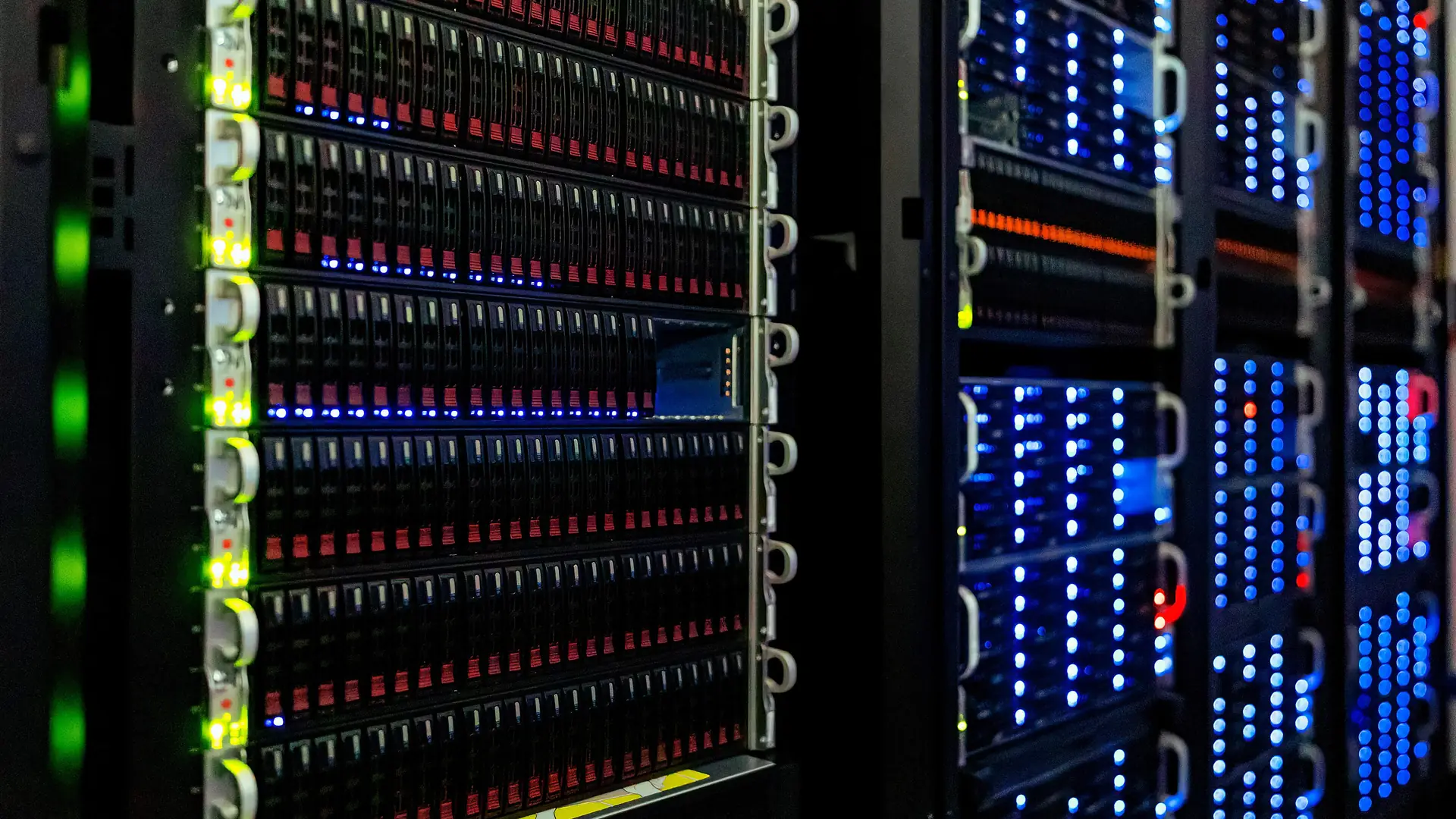
Server room corridor at The National Archives, racks lit blue and green

In development · early access for design partners

Routine network work, done before you’re in.

Vantage Guardian is an AI network engineer that lives on your site. It patches, unlocks, renews, cleans up and fixes everyday faults on its own, inside limits your IT manager sets, and leaves a plain-English handover of everything it did.

Photo: The National Archives (UK), CC BY 3.0, via Wikimedia Commons (cropped)

What it takes off your plate

Most IT time isn’t spent on hard problems.

It goes on resets, full disks, expiring certificates, patch nights and alerts nobody reads. Guardian does that work itself, the way your best engineer would, and only stops to ask when a change is bigger.

01Patching & updates

Patch nights without anyone staying late.

Just does it

  • Installs Windows and application updates on PCs in your maintenance window
  • Takes a snapshot first, checks every service comes back, rolls back if one doesn’t
  • Warns logged-on users and schedules the restart

Asks you first

  • Patches servers one at a time, with your go-ahead
  • Firewall and switch firmware

02Users & accounts

The calls that interrupt everyone’s morning.

Just does it

  • Unlocks locked-out accounts and finds what keeps locking them: an old phone, a saved password, a mapped drive
  • Clears the stale credential on the machine that caused it
  • Disables an account the moment it’s clearly compromised

Asks you first

  • Joiners and leavers: account, groups and mailbox

NEVERDeleting accounts or mailboxes

03Servers & services

Small faults fixed before they turn into outages.

Just does it

  • Restarts stopped services and clears stuck print and mail queues
  • Frees disk space by archiving old logs and temp files
  • Renews certificates before they expire

Keeps watch

  • Disks, RAID health and event logs

04Network

DNS, DHCP and the firewall, kept healthy.

Just does it

  • Moves DNS to a working forwarder when one stops answering
  • Clears stale DHCP leases and tunes lease times when a scope fills up
  • Backs up switch and firewall configs and flags unexpected changes

Asks you first

  • New firewall rules and VLANs

05Security response

Answered in seconds, not the next morning.

Just does it

  • Blocks brute-force sources at the firewall
  • Isolates an infected machine from the network
  • Removes a malicious forwarding rule from a hijacked mailbox

NEVERWiping, reimaging or deleting anything

06Always watching

The things nobody checks until they fail.

Keeps watch

  • Last night’s backup: did it run, and how old is the restore point?
  • Microsoft 365 health, risky sign-ins and new mailbox rules
  • VPN tunnels, failed logins and certificate dates

NEVERIts own audit trail and permissions, and the tools that watch it

These are typical settings. Your IT manager sets every one, per group of devices: Off, Monitor, Ask or Auto. New sites start on Monitor and move up as Guardian earns trust.

Server racks at night with status lights

Everyone’s asleep. Guardian is patching.

Snapshot first, then the update, then a check that every service came back. The one machine that didn’t is rolled back, and it’s all in the handover by 07:58.

Photo: NOIRLab/NSF/AURA/T. Slovinský, CC BY 4.0, via Wikimedia Commons (cropped)

A day with Guardian

What a Tuesday looks like when the engineer never clocks off.

  1. Morning patrol

    Checks last night’s backup, disks, certificates, the VPN and every overnight alert. FS-02 is filling fast, so old logs are archived before anyone notices.

  2. “My account’s locked again”

    Finds the old phone still trying last month’s password, unlocks the account and tells the user which device to update. No ticket needed.

  3. The new starter can’t get online

    Sees the Wi-Fi scope is full of visitors’ phones. Clears the stale leases, shortens the lease time and checks the new laptop gets an address.

  4. 340 failed VPN logins in ten minutes

    Recognises a brute-force attempt, blocks the sources at the firewall, confirms no login succeeded and notes it in the diary.

  5. A firewall change is needed

    Prepares the rule, the backout plan and the test, then sends it to the manager’s phone. Nothing changes until they tap approve.

  6. Patch night

    Snapshots, patches the PCs, checks the services. One machine doesn’t come back cleanly, so it’s rolled back and flagged in the morning handover.

Where the hours come back

Less firefighting for everyone.

Your IT manager

  • A handover each morning instead of an inbox full of alerts
  • Big changes approved from a phone, small ones just done
  • A diary and audit trail ready for auditors and insurers

Your engineers

  • Routine tickets closed before anyone raises them
  • No more late patch nights
  • Time back for projects, clients and the hard problems

The business

  • Faults fixed before people notice them
  • Attacks answered in seconds, day or night
  • Everything runs on your premises; your data stays in the building
You’re in control

It acts on its own. Only where you’ve said it can.

Your IT manager opts each group of devices in, job by job. Once something is on Auto, Guardian has the authority to just get on with it. Anything bigger arrives as a ready-made change to approve.

How manager control works

  • Its own audit trail It can’t edit or delete the record of what it did.
  • Its own permissions It can lower its autonomy, never raise it.
  • Its watchers It can’t switch off the security tools that monitor it.
  • Wipes & deletions Destructive work is prepared for a person, never run.
Example settings for a 50-person office
Device groupPatchingUsersFirewallServicesThreats
Workstations (42)AUTOAUTOOFFAUTOAUTO
Servers (6)ASKAUTOOFFAUTOAUTO
Firewall FW-01MONITOROFFASKOFFAUTO
Backups / NASMONITOROFFOFFMONITORMONITOR
Audit trail & daily diary

Every action on the record, in plain English.

A tamper-evident log keeps every command, approval and result. Each day ends with a diary any engineer can read. Auditors, insurers and your board get proof, not promises.

Read about the audit diary

Guardian diary · Acme Ltd

Example entry · 2 faults found, 1 fixed, 1 awaiting approval
  • FAULTFS-02 disk at 91%: IIS logs (38 GB). Cleanup proposed, change #112 waiting for J. Smith.
  • FIXEDStaff Wi-Fi scope 96% full. Stale phone leases cleared; new laptops getting addresses.
  • DONEPatched 12 PCs and 2 servers. Snapshots first, services checked.
  • SECURITY340 VPN brute-force attempts blocked. No successful logins.
  • SITE VISITPC-14 has dropped its link 3 times this month. Likely a cable or port.
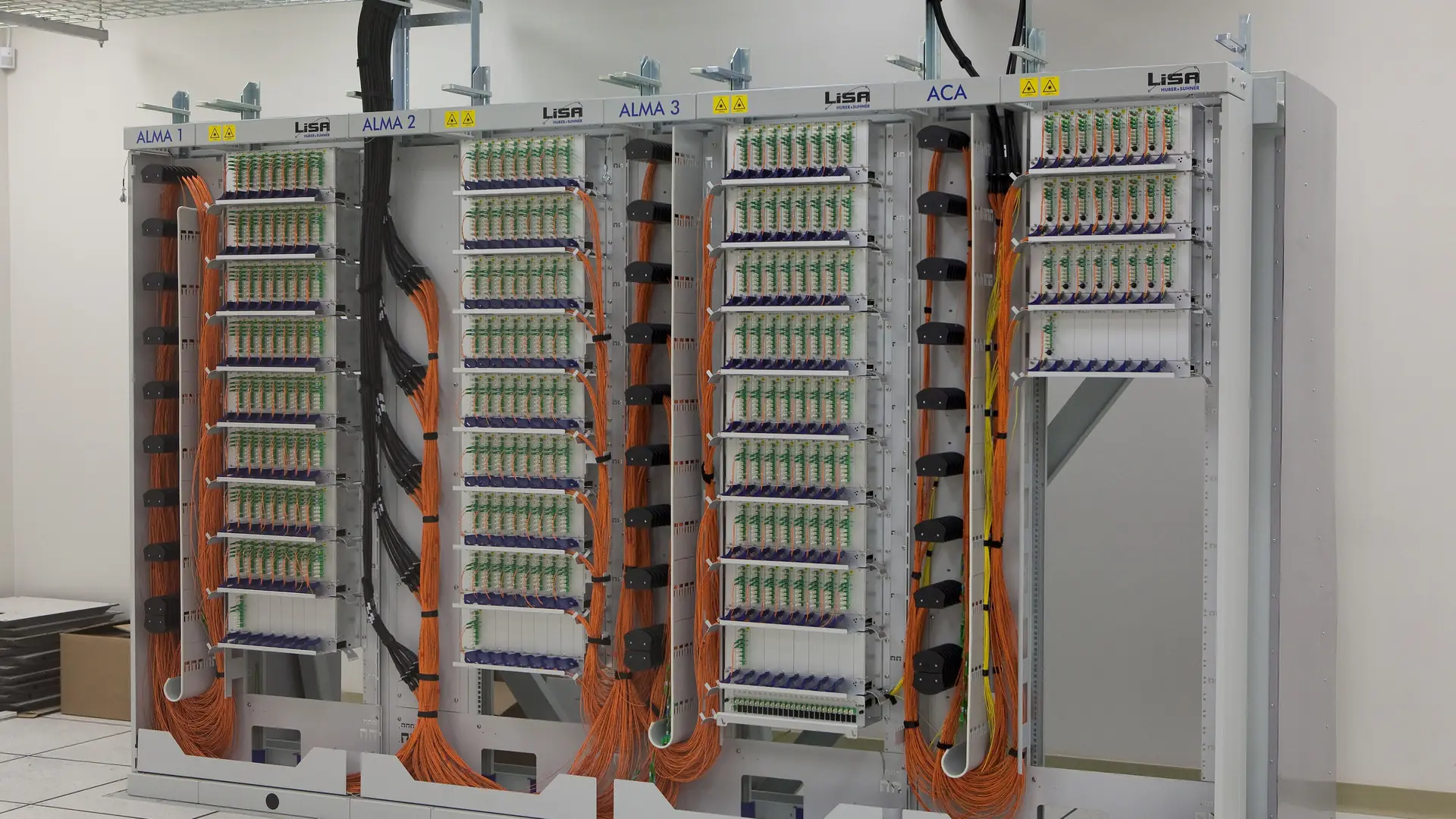
A fibre patch panel with neatly routed cables

It doesn’t guess. It checks the evidence first.

Before Guardian changes anything, it writes down what it found, the evidence and its plan. No diagnosis, no change.

Photo: ALMA (ESO/NAOJ/NRAO), CC BY 4.0, via Wikimedia Commons (cropped)

Proven before it’s trusted

An engineer with admin rights should earn them.

Before Guardian is given a job, it has to pass the Engineer’s Exam: real faults, broken on purpose in our lab and graded by fixed rules. Its own hard limits are tested on every run. We publish the results as they are.

See how we test

  • Private and on site. The AI model runs on a box in your building. Credentials are issued for minutes at a time.
  • Snapshot, change, verify. Every change can be undone, and is undone automatically if the check fails.
  • No change without evidence. Guardian records its diagnosis and the evidence before it touches anything.
For MSPs

One engineer. Three times the estate.

You’re already the IT manager for dozens of clients. Guardian takes the routine load off your team, from patch nights to unlocks to alert triage, with an approval queue and a diary for every site.

Try it

Be the manager for five minutes.

Pick a real-world fault, set Guardian’s permission, and approve or reject its changes, in your browser.

Questions

Straight answers.

Built for law firms, accountancy practices, financial services and MSPs. Compare the options.

What can Guardian do without asking?

Whatever your IT manager has opted it into. Typical sites let it patch PCs, unlock accounts, restart services, free disk space, renew certificates and block attacks on its own, and ask first for server patches, firewall rules and joiners and leavers. Every job can be set to Off, Monitor, Ask or Auto per group of devices.

Who is in charge, Guardian or our IT manager?

Your IT manager. Guardian works like a senior engineer under a manager: it gets on with the routine work it’s allowed to do, and brings anything bigger to the manager with the change already prepared.

Does our data leave our site?

No. The AI model, credentials, logs and audit trail all live on the Guardian box on your premises.

What will Guardian never do?

It can’t edit its own audit trail, raise its own permissions, switch off the tools that watch it, or wipe and delete devices or data. No setting unlocks those.

Which systems does it support?

The launch focus is Windows Server and desktops, Active Directory, Entra ID, Microsoft 365, Linux, and common SMB firewalls and switches such as Fortinet, UniFi, DrayTek, SonicWall, WatchGuard, pfSense/OPNsense, MikroTik, Cisco and HPE Aruba.

Is Guardian available now?

Guardian is in development. We’re working with a small group of design partners, MSPs and in-house IT teams, who get early access and founding terms.

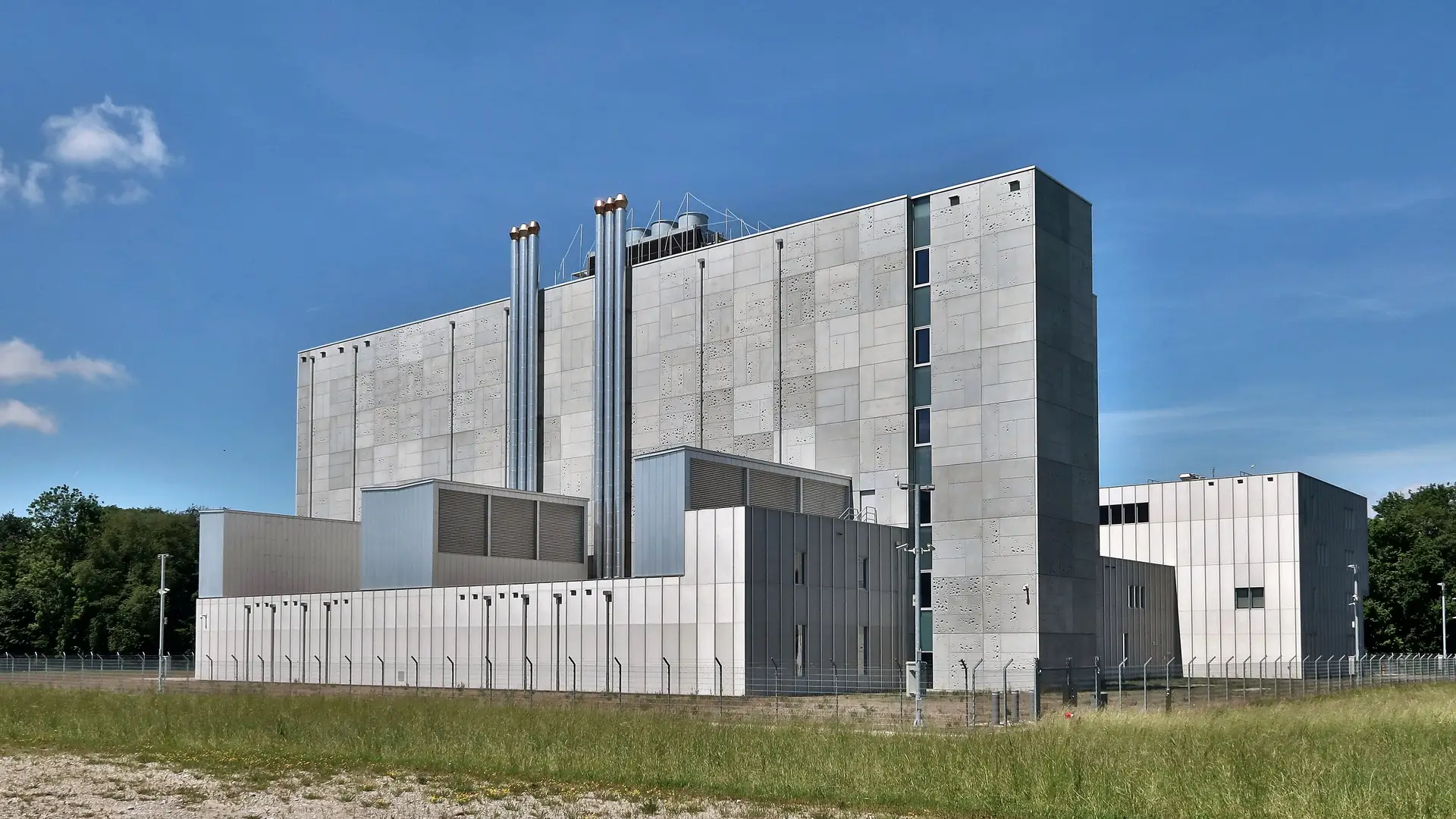
A secure data centre building

Your network. Your building. Your data stays there.

The AI runs on a box on your premises. Nothing about your network is sent to a cloud AI.

Photo: Kecko from Eastern Switzerland, CC BY 2.0, via Wikimedia Commons (cropped)

Put a senior engineer on every network.

We’re working with a small group of design partners, MSPs and in-house IT teams, to shape Guardian before launch. Partners get early access and founding terms.